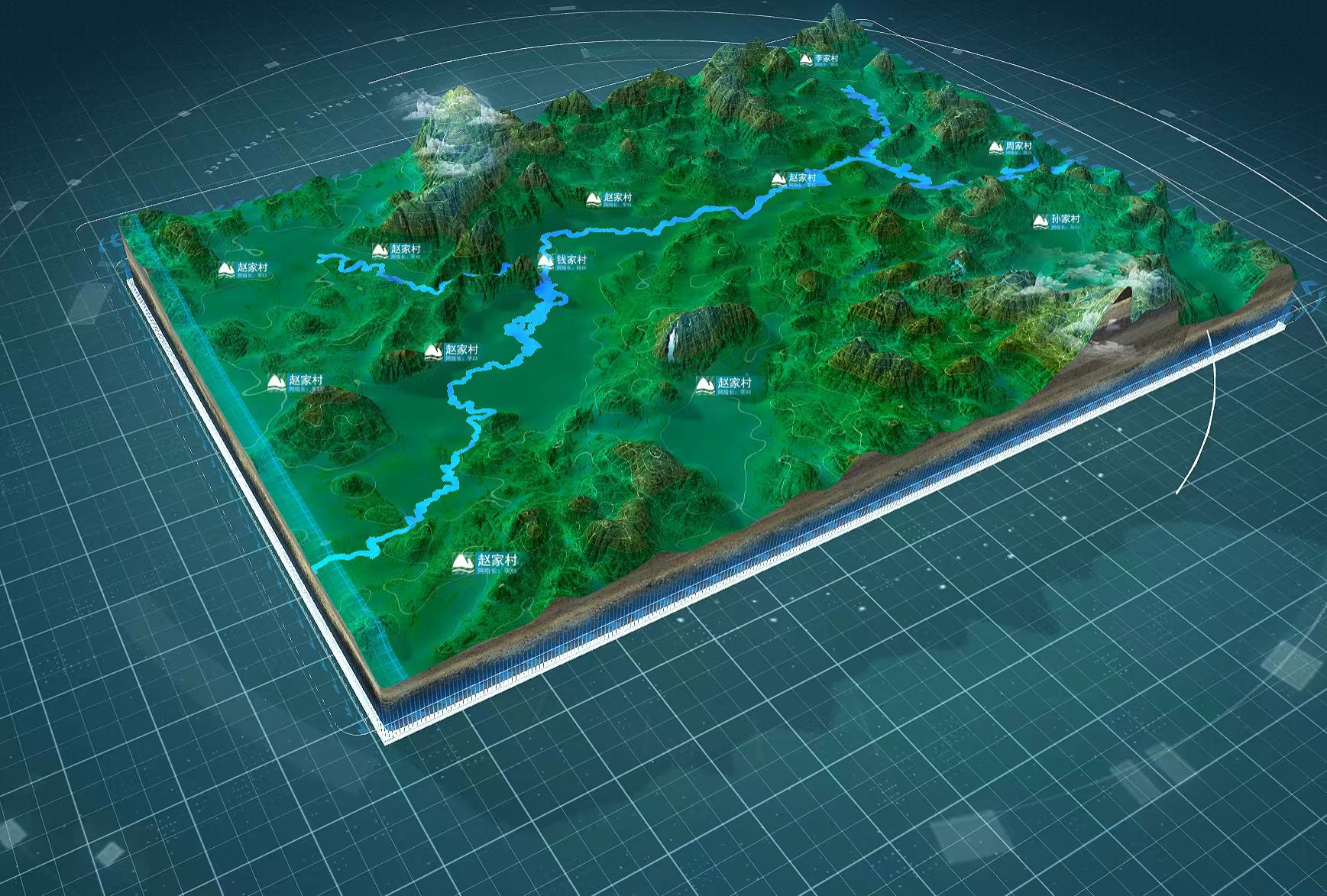
参考资料: zhuanlan.zhihu.com/p/144332091 用Shader写大范围网格会由于精度问题,造成闪烁。shader想要不闪烁需要判断像素和线宽的关系,就很复杂。所以最简单的,还是采用图片纹理采样的方式,解决大场景网格闪烁。 其它挖坑待填 下图源自翠鸟智擎,应该也是用的贴图+纹理采样。 Multi-Platform Compressed Textures | Babylon.js Documentation 一、什么是mipmap
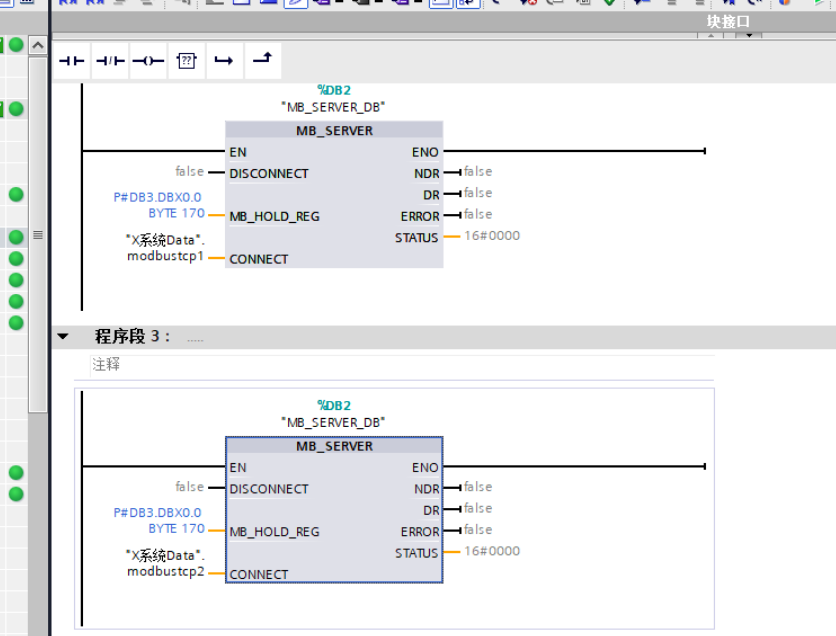

设置参数: RabbitMQ Consumer Properties :: Spring Cloud Stream 注意:prefetch生效的前提是acknowledge-mode: 不能为none,推荐设置acknowledge-mode: auto。 baseQos是一个方法,可以设置PrefetchCount的值。 RabbitMQ中的QoS(Quality of Service,服务质量)机制允许消费者控制从队列中接收消息的速率,特别是通过basic.qos方法和prefetch count参数来实现。 …
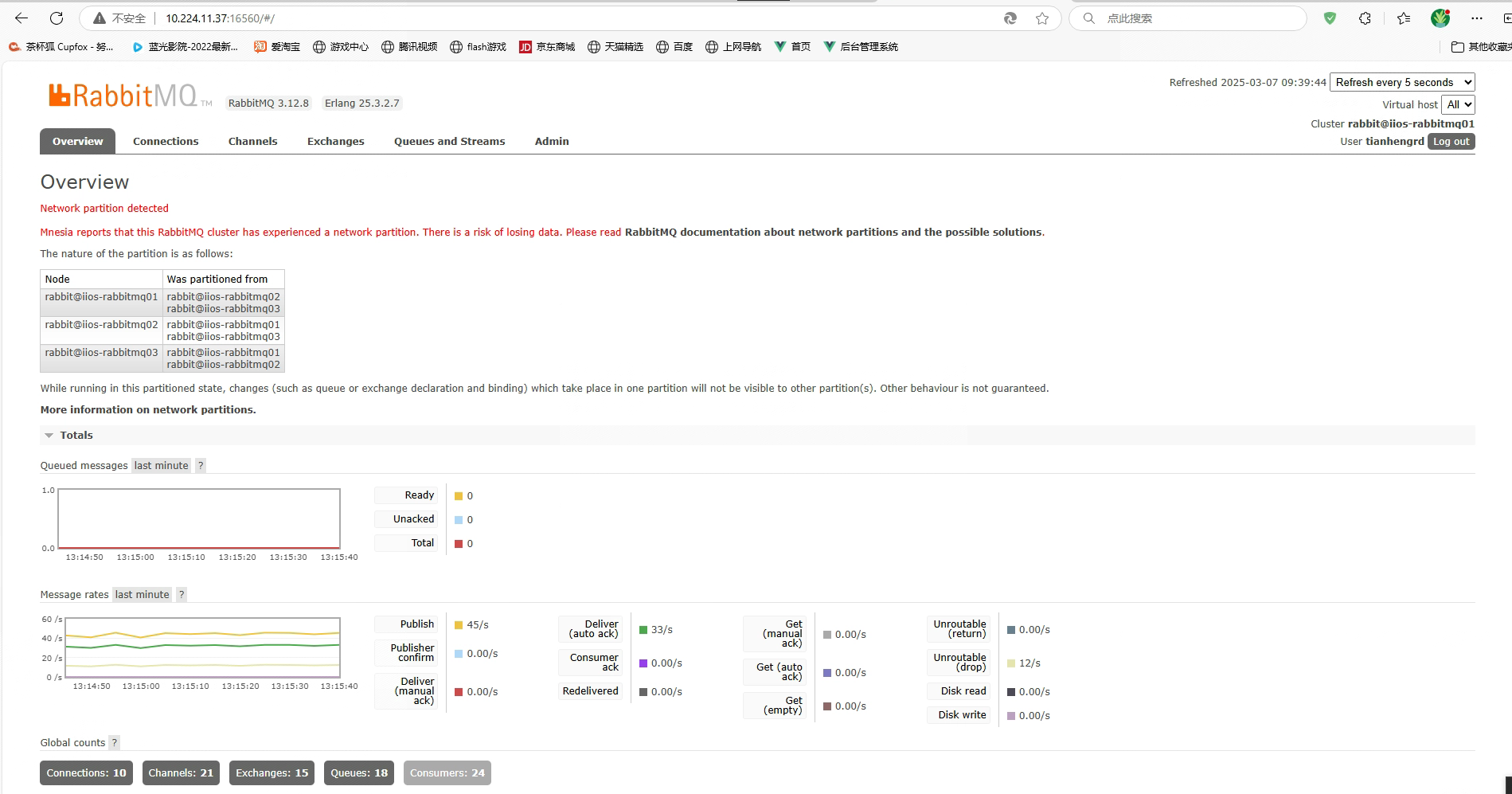
一、场景再现 3个节点组件成的rabbitmq集群,出现数据丢失的问题,打开webui Network partition detected Mnesia reports that this RabbitMQ cluster has experienced a network partition. There is a risk of losing data. Please read RabbitMQ documentation about network partitions and the possi…
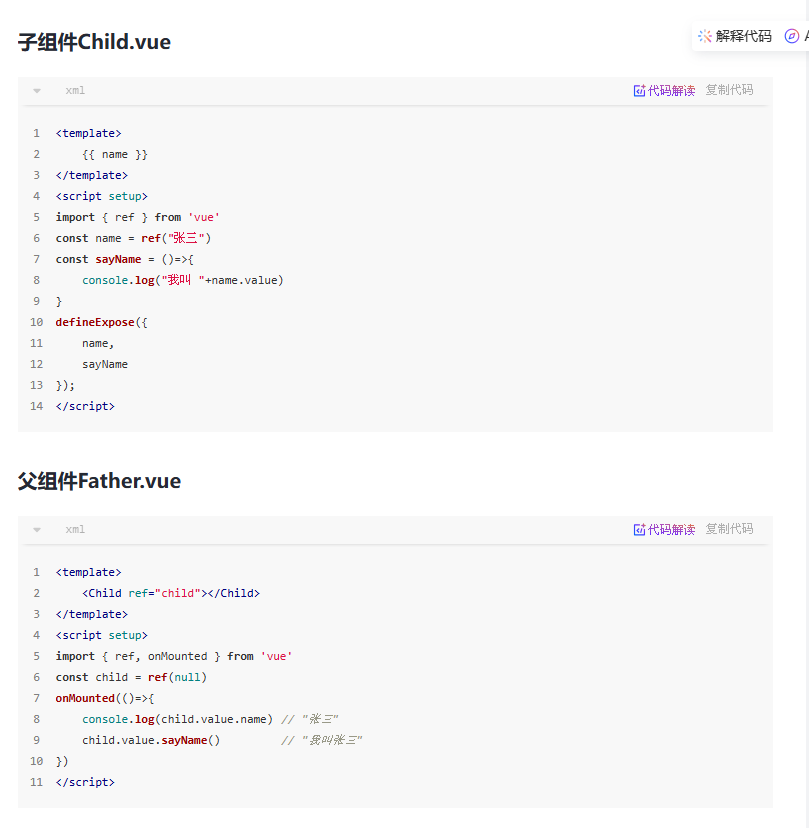
用于Vue3 setup中,想外部暴露内部的属性或者方法: 使用 <script setup> 的组件是默认关闭的——即通过模板引用或者 $parent 链获取到的组件的公开实例,不会暴露任何在 <script setup> 中声明的绑定。 可以通过 defineExpose 编译器宏来显式指定在 <script setup> 组件中要暴露出去的属性:
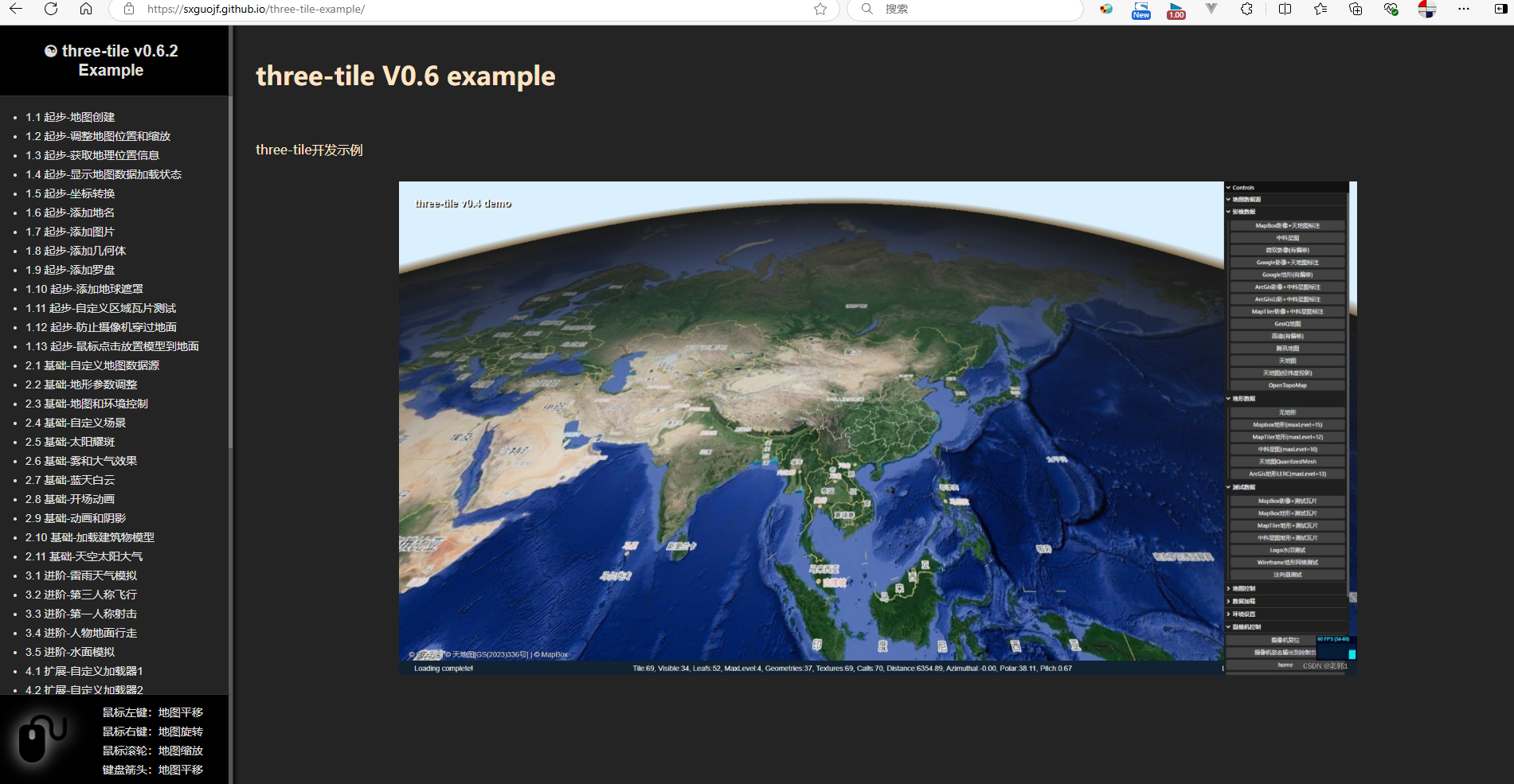
一、sxguojf 作者链接:https://github.com/sxguojfhttps://blog.csdn.net/hzgjfhttps://sxguojf.github.io/three-tile-example/

一、工具法 先用工具将笔记导出为Markdown,再导入。 工具: https://github.com/alxnbl/onenote-md-exporter 导入方法: